
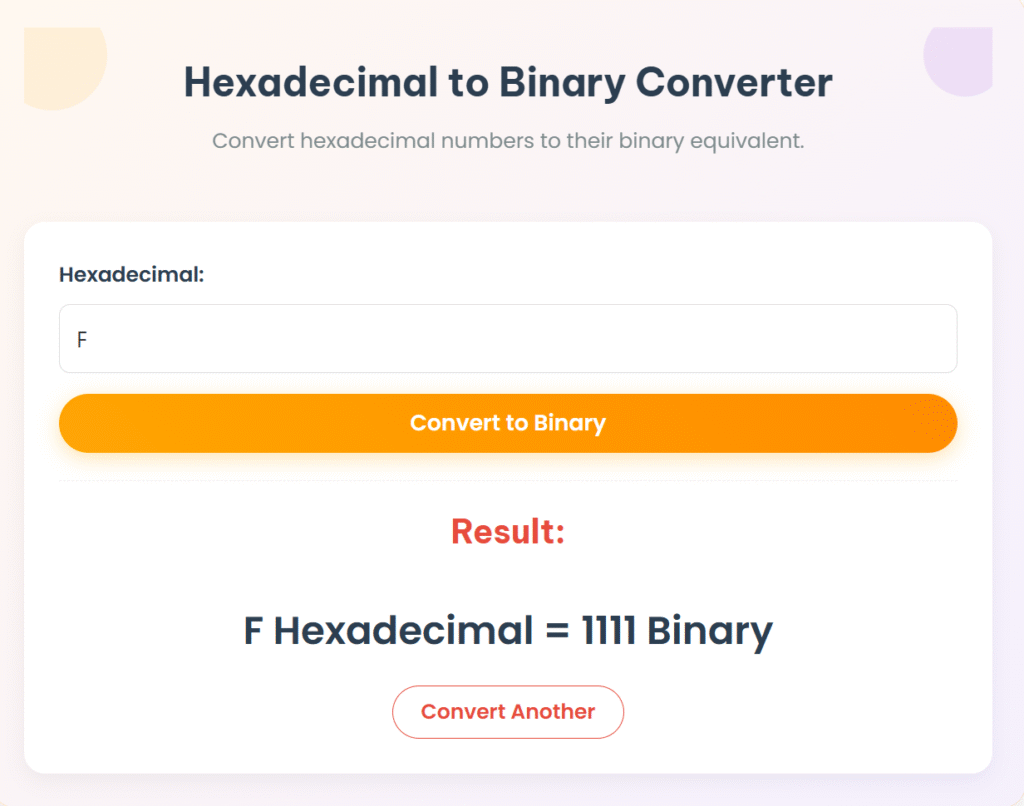
Hexadecimal to Binary Converter
Convert hexadecimal numbers to their binary equivalent.
Result:
Hexadecimal to Binary Converter: Free Online Tool & Step-by-Step Guide
Hexadecimal (base-16) is widely used in computing as a compact, human-readable representation of raw binary data. Understanding how to convert hexadecimal to binary is essential for tasks like debugging memory, low-level programming, and digital circuit design.
Our free Hex to Binary Converter provides instant, accurate conversions with clear, detailed explanations. This comprehensive guide will cover:
- How to easily use our online converter tool
- Two simple manual conversion methods (e.g., direct digit conversion)
- Practical applications of hexadecimal to binary conversion in computing
- Common conversion examples and a quick reference table
- Answers to frequently asked questions (FAQs) about hex and binary
How to Use Our Hexadecimal to Binary Converter Online
Our hexadecimal to binary conversion tool is fast, accurate, and works seamlessly on any device. Follow these simple steps for quick and precise conversions:
- Enter Your Hexadecimal Value: Input your hexadecimal number (e.g.,
2F,A5,FF) into the designated field. Our tool efficiently supports all hex digits (0-9, A-F) and handles both uppercase and lowercase letters. - Click “Convert”: The tool processes your input instantly, displaying the binary equivalent.
- View the Binary Result Instantly: Get your precise binary output, accompanied by a clear, step-by-step explanation of how the conversion was performed.
Example Conversion:
- Hexadecimal Input:
2F - Binary Output:
00101111
Why Use Our Free Hex to Binary Tool?
- No software download required: Access our online hexadecimal to binary converter directly from your web browser, anytime, anywhere.
- Supports all hex digits (0-9, A-F): Ensures accurate conversions for any valid hexadecimal input.
- Handles both uppercase and lowercase letters: Provides flexibility and ease of use, accepting inputs like
2for2F. - Provides step-by-step explanation: Our tool doesn’t just give the answer; it helps you understand the logic behind every hex to binary conversion, making it an excellent learning aid.
- No installation required: Use it directly online without any setup.
Popular Number base Converters
- Binary to Decimal Converter
- Decimal to Binary Converter
- Decimal to Hexadecimal Converter
- Hexadecimal to Decimal Converter
- Binary to Hexadecimal Converter
- Hexadecimal to Binary Converter
Hexadecimal to Binary Conversion: Manual Methods Explained
For those looking to understand the underlying mathematics of how to convert hexadecimal to binary, here are two common manual conversion techniques used across various technical fields.
Method 1: Direct Digit Conversion (The Standard Approach)
This is the most common and efficient method for hexadecimal to binary conversion. It leverages the direct relationship that each hexadecimal digit can be uniquely represented by a 4-bit binary sequence.
- Convert each hex digit: Take each individual hexadecimal digit and convert it directly into its 4-bit binary equivalent.
- Combine all binary digits: Concatenate all the resulting 4-bit binary sequences in their original order to form the complete binary number.
Example: Convert 2F (Hexadecimal) to Binary
- 2 (hex) →
0010(binary) - F (hex) →
1111(binary)
✅ Result: 00101111
Method 2: Hex → Decimal → Binary (An Alternative Method)
This alternative method breaks the conversion into two steps, using decimal as an intermediate. It can be helpful if you’re more comfortable with decimal conversions first.
- Convert hex to decimal: First, convert your entire hexadecimal number into its decimal equivalent using positional notation (multiplying each digit by powers of 16).
- Convert decimal to binary: Then, convert that decimal number into its binary equivalent (e.g., using the repeated division by 2 method).
Example: Convert 2F (Hexadecimal) to Binary via Decimal
- Convert Hex
2Fto Decimal:F(15) ×160=15×1=152×161=2×16=32- Total Decimal: 15+32=47
- Convert Decimal
47to Binary:- 47÷2=23 R 1
- 23÷2=11 R 1
- 11÷2=5 R 1
- 5÷2=2 R 1
- 2÷2=1 R 0
- 1÷2=0 R 1
- Reading remainders bottom-up:
101111
- Add leading zeros for 8-bit representation (common practice):
00101111
✅ Result: 00101111
Practical Applications of Hexadecimal to Binary Conversion
Understanding how to convert hexadecimal to binary is crucial across various technical domains:
- Computer Programming: Essential for memory dump analysis, where raw memory contents displayed in hex need to be converted to binary for bit-level understanding. It’s also key for register value interpretation in CPUs and microcontrollers, and vital for bitmask operations in code.
- Digital Electronics: Fundamental for microcontroller programming, FPGA (Field-Programmable Gate Array) configuration, and hardware debugging, as digital circuits operate purely on binary signals (0s and 1s).
- Data Analysis: Used extensively in binary file inspection (e.g., examining executable code or image data at a low level), network packet decoding (where packet headers and payloads are often viewed in hex but understood in binary), and analyzing various hexadecimal encoding schemes.
- Academic Studies: A core topic in computer architecture courses, digital logic design, and programming fundamentals. This conversion provides a direct bridge to understanding how computers process and store information.
Complete Hexadecimal to Binary Conversion Table (Quick Reference)
This table provides a comprehensive quick reference for hexadecimal to binary conversions.
| Hexadecimal | Binary |
|---|---|
| 0 | 0000 |
| 1 | 0001 |
| 2 | 0010 |
| 3 | 0011 |
| 4 | 0100 |
| 5 | 0101 |
| 6 | 0110 |
| 7 | 0111 |
| 8 | 1000 |
| 9 | 1001 |
| A | 1010 |
| B | 1011 |
| C | 1100 |
| D | 1101 |
| E | 1110 |
| F | 1111 |
Export to Sheets
Frequently Asked Questions (FAQ) about Hexadecimal to Binary Conversion
Q1: How do I handle lowercase hex letters (a-f) in conversion?
Lowercase hexadecimal letters (a, b, c, d, e, f) convert to the exact same 4-bit binary sequences as their uppercase counterparts. For example, a converts to 1010, b to 1011, and so on, up to f converting to 1111. Our converter tool handles both uppercase and lowercase inputs seamlessly.
Q2: What if my binary result has leading zeros? Should I keep them?
Leading zeros in binary are optional if you’re only concerned with the numerical value (e.g., 1111 is the same value as 00001111). However, they are often kept (or added) to maintain byte alignment (8 bits), nibble alignment (4 bits), or specific data structure sizes, especially in programming and hardware contexts. For example, F (hex) is often represented as 00001111 for byte alignment.
Q3: Why is it necessary to convert hex to binary?
Converting hexadecimal to binary is crucial because computers operate fundamentally on binary (0s and 1s). While hex is convenient for humans to read and write, bit-level operations and direct hardware interactions require binary. It’s essential for understanding memory contents precisely and for accurate hardware programming.
Q4: How do I verify my hexadecimal to binary conversion is correct?
You can verify your conversion in several ways:
- Use our online converter to quickly double-check your manual calculations.
- Convert back to hex: Convert your resulting binary number back to hexadecimal to see if it matches your original hexadecimal input.
- Check against reliable conversion tables for common hex-binary pairs.
- Use a programming language’s built-in conversion function (e.g., Python’s
bin(int('hex_string', 16))). (Outbound Link Suggestion: Link “programming language’s built-in conversion function” to relevant developer documentation, like Python’s officialint()andbin()docs.)
Q5: Can I convert hexadecimal fractions to binary?
Yes, you can! The process is similar to integers:
- Separate the integer and fractional parts of the hexadecimal number.
- Convert each hex digit (including those after the point) to its 4-bit binary equivalent.
- Combine the results, placing the binary point correctly.
- Example:
0.A(hex) would be0.1010(binary). (Outbound Link Suggestion: Link “hexadecimal fractions to binary” to a detailed educational resource on converting fractional hex numbers to binary.)
Conclusion
Mastering hexadecimal to binary conversion is a crucial skill for anyone involved in low-level computing, programming, or digital systems design. Our free online tool makes these conversions instant and effortless, while understanding the manual methods provides a deep, invaluable comprehension of foundational computing principles.
🚀 Ready to simplify your work? Try our Hexadecimal to Binary Converter now and enhance your understanding of number systems!